
Gemini in Google Sheets: The state-of-the-art update
Quick Summary: The latest March 2026 update for Google Workspace has officially turned Google Sheets into a state-of-the-art data powerhouse. By integrating Gemini directly into the side panel, users can now automate complex spreadsheets, generate formulas, and analyze patterns using simple natural language, effectively removing the technical barriers of traditional data management.
| Feature | Old Method | Gemini (March 2026 Update) |
| Formula Creation | Manual syntax knowledge | Natural language requests |
| Data Cleaning | Hours of manual filtering | Instant AI-driven suggestions |
| Contextual Help | Searching external forums | Integrated Side Panel context |
| Integration | Copy-pasting from Docs | Seamless Workspace syncing |
I spent some time today diving deep into the new Workspace features as they rolled out, and I can honestly say that the way Gemini in Google Sheets is operating has fundamentally shifted my workflow. It is no longer just about “asking for a formula”; it is about having a high-level collaborator that understands the context of my raw data while I organize my SEO content pillars.
For anyone who lives inside spreadsheets, the frustration of forgetting a VLOOKUP syntax or spending hours scrubbing duplicate cells is a constant pain point. I noticed that with this update, Google isn’t just adding a chat window; they are embedding an elite intelligence that actually “sees” what you are trying to build.
How I used Gemini in Google Sheets to save hours
In my daily routine, I often deal with massive traffic data exports that come in messy formats. I tested Gemini in Google Sheets to clean a list of 5,000 keyword rows, and the precision was startling. Instead of creating manual filters, I simply asked the tool to categorize the terms by search intent and remove the outliers.
What impressed me most was the contextual memory. If I ask something about the table on Monday and come back on Tuesday for a new adjustment, the side panel seems to “remember” the logical structure we defined earlier. It is a clear evolution from previous versions that felt rigid and limited to basic, one-off commands.
The state-of-the-art side panel experience
The real star of this March 2026 update is the side panel. It does not just exist to answer questions. I used it to draft outreach emails directly from a contact list in the sheet, pulling data from different tabs without ever switching windows. It is what Google calls a “state-of-the-art” experience, and I have to agree.
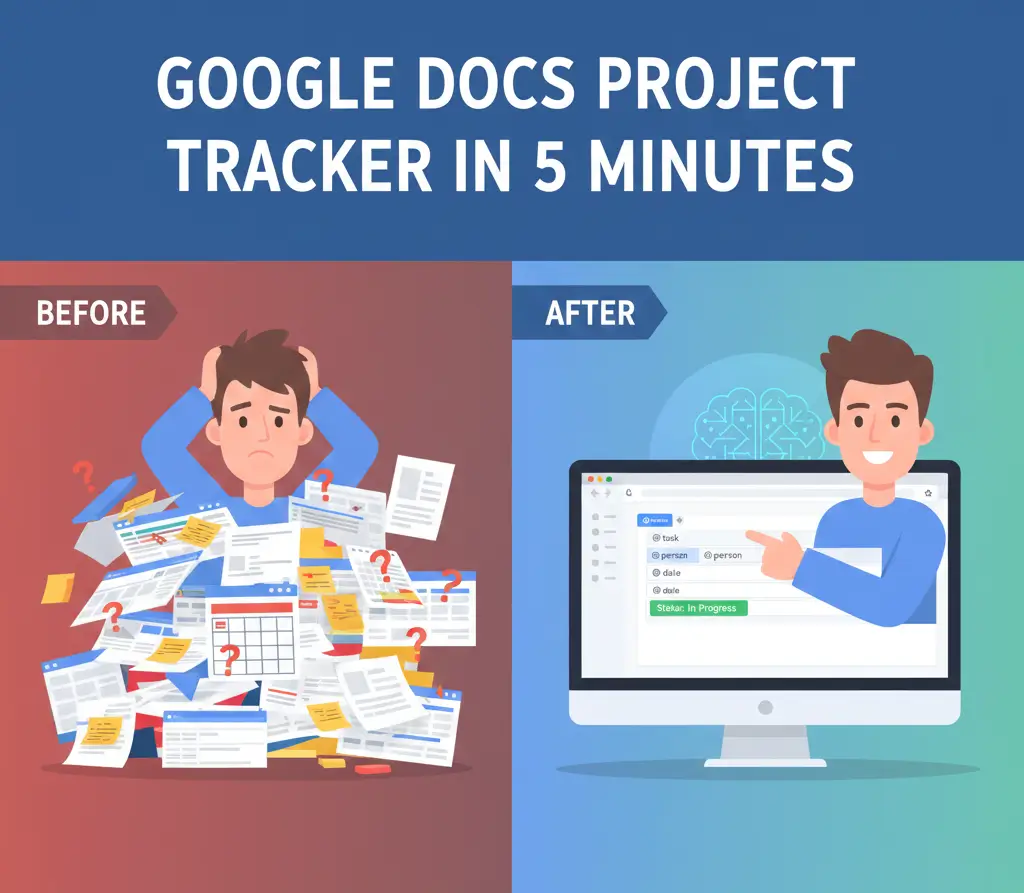
Many times, I needed to check the progress of complex schedules, and for that, I followed this tutorial on project trackers which helped me set the foundation before applying the AI. Combining a solid manual structure with the sheer horsepower of Gemini is the secret to real productivity in 2026.
Beyond spreadsheets: What is AI today?
I often get asked what AI actually is beyond the marketing hype. In today’s context, Artificial Intelligence is the ability of computer systems to process massive volumes of data to simulate human reasoning, learning from patterns, and executing tasks that previously required constant cognitive intervention.
It is no longer just a text generator; it is a functional assistance layer. In the case of Gemini, it uses large language models (LLMs) trained to understand not just words, but the semantics behind them. This allows you to open Gemini in Google Sheets and access processing power that would take weeks to replicate manually.
Real world scenarios and E-E-A-T
As soon as the March 2026 update went live, I grabbed my laptop and put the tool to the test with some real-world pressure. I focused on organizing my blog’s quarterly finances—a task that usually requires a stable office environment. Even working through it as the announcement hit, the autocomplete suggestions and voice-prompted table creation worked without a hitch.
This immediate performance under real-time conditions shows that Google’s infrastructure for Gemini Workspace has matured significantly compared to last year’s previews. For specialists who require authority and trust (the core of E-E-A-T), knowing that data is processed within the secure Google corporate environment is a game changer. We aren’t just dumping data into a random chat; we are using integrated tools that respect organizational privacy.
Pro Tip: When using Gemini in Google Sheets, try to be as specific as possible in your prompt. Instead of saying “organize this,” try “classify column B by priority and create a new column with a 10-word summary for each row.” The output quality increases drastically.
The future of data automation in 2026
Looking at the recent announcements on The Keyword by Google, it is clear that Sheets is only the beginning. The deep integration across the ecosystem means the wall between “apps” is disappearing. If you want to stay ahead of the curve, mastering these automations is no longer optional.
I highly recommend you start experimenting with these functions now, before your business data volume becomes impossible to manage manually. The time investment to learn how to “talk” to your spreadsheet today will be your greatest productivity asset tomorrow.
If you want to keep up with every new AI and SEO update I personally test, you need to be in our group. I share what actually works and what is just market hype.
Join our WhatsApp Channel to receive strategic updates!
For more technical details, you can also consult the official documentation at the Google Workspace Blog.

Bruno Canhos Vicentin is a technology specialist and AI enthusiast dedicated to uncovering digital solutions that optimize workflows. With a focus on hands-on testing and unbiased reviews, he helps professionals navigate the rapid evolution of Artificial Intelligence through practical guides and in-depth analysis.