The Top 4 AI Tools for Meeting Transcription and Summary
Stop taking notes. Seriously. If you’re a busy professional, startup founder, or project manager, the time you spend transcribing meeting minutes or trying to remember who said what is time you could be spending on execution.
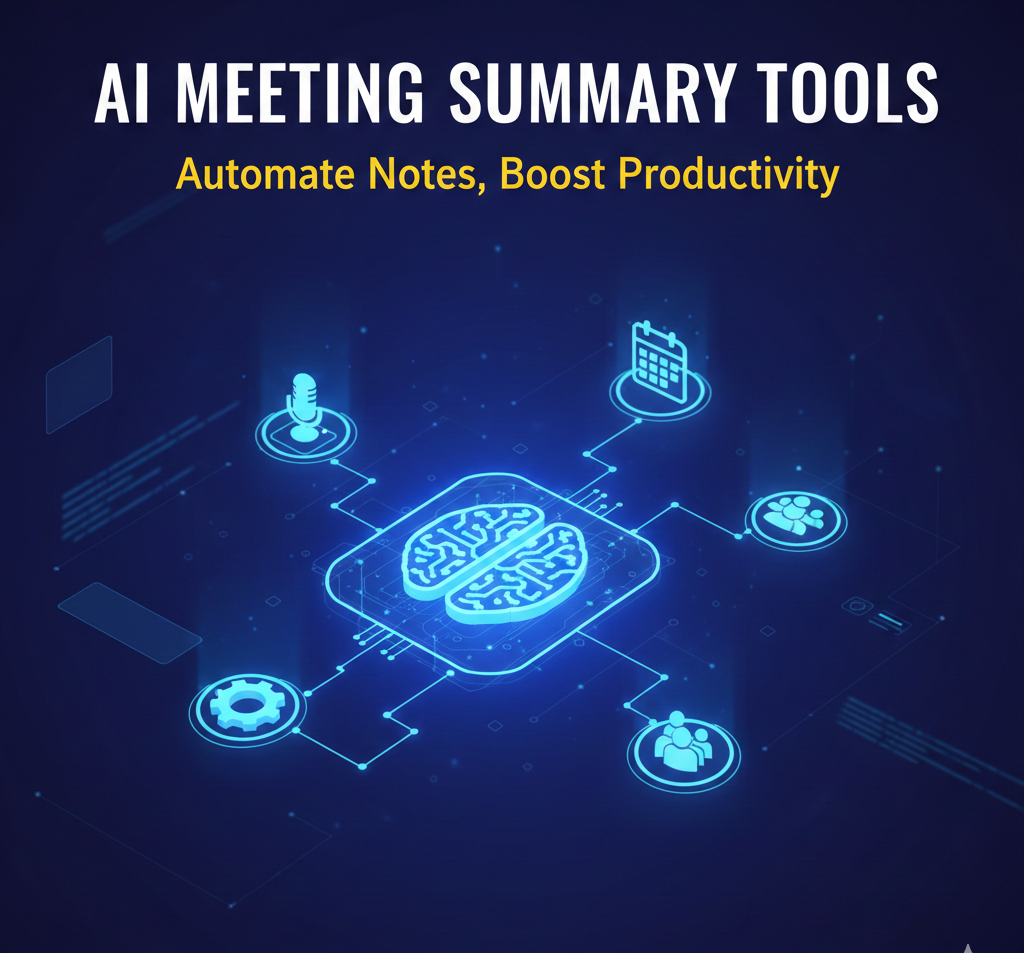
The solution is not a better notepad; it’s an AI Meeting Summary Tool. These platforms integrate directly with your calendar and video conference apps (Zoom, Google Meet, Microsoft Teams) to automatically join meetings, transcribe everything, and—crucially—deliver a perfectly formatted Executive Summary and a list of Action Items the moment the call ends.
We’ve tested the top contenders in 2025 to find out which one offers the best balance of transcription accuracy, summarization quality, and integration power.
Here is an expert review of the Top 4 AI Meeting Summary Tools you need right now.
🧐 Why AI Meeting Summary Tools Are the Ultimate Productivity Hack
Before AI, managing meeting notes was a tedious chore, often leading to crucial action items being forgotten. Now, these tools act as an always-present, hyper-accurate digital secretary.
- Automation: They join the meeting automatically, eliminating human error.
- Actionable Insights: They prioritize Action Items (e.g., “Sarah needs to email the client”) over general conversation.
- Searchable History: You can search a library of past meetings instantly, finding that one specific detail from a call six months ago.
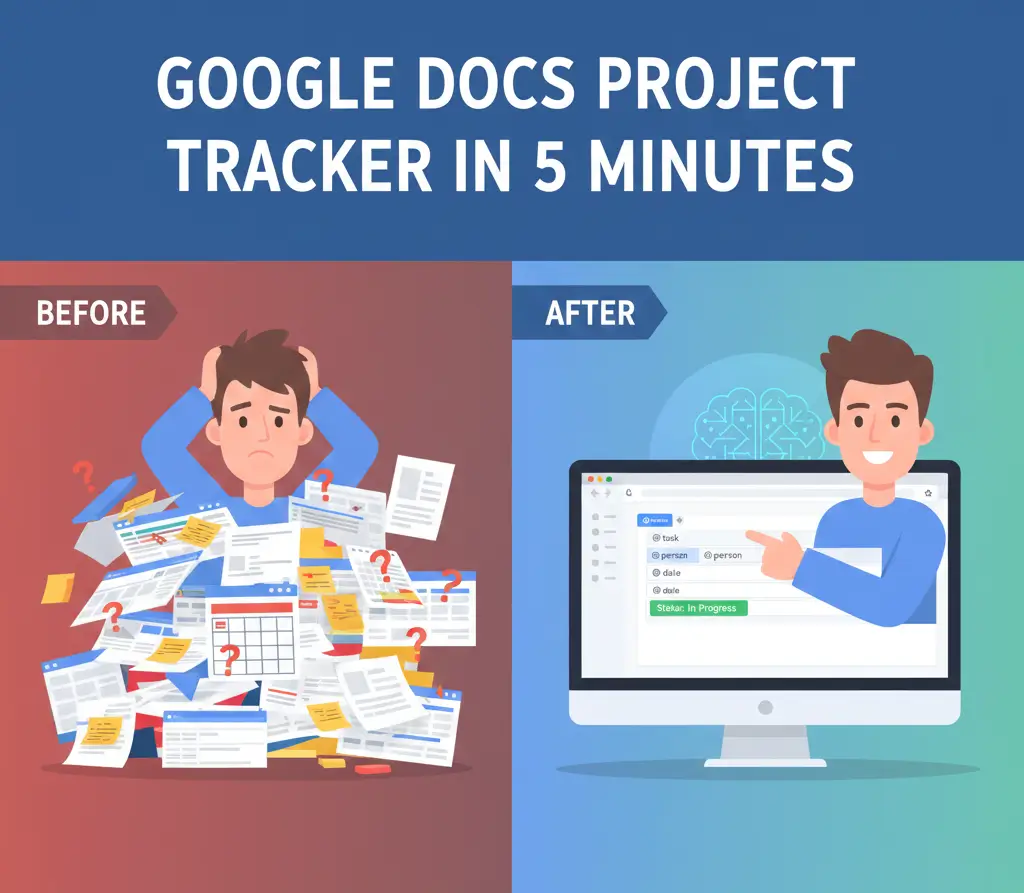
If you are just starting your productivity overhaul, it’s worth checking out our guide on simple, effective task management right inside your Google ecosystem: Read our Google Docs Project Tracker Tutorial here.
🥇 Reviewing the Top 4 AI Meeting Summary Tools
The market leaders differentiate themselves based on accuracy and integration depth. Here is our breakdown:
1. Fireflies.ai: Best for Enterprise & Integrations
Fireflies is the powerhouse, often favored by large teams and sales professionals due to its deep integration capabilities.
Integrations: Best in class. It directly logs notes and action items into CRMs like Salesforce and project tools like Asana or Trello. This deep integration helps teams realize the full benefits of a CRM system by ensuring all meeting data is centralized.
Key Feature: Smart Search & Soundbites. You can create short audio clips (soundbites) and quickly search through minutes based on metrics (e.g., searching for all mentions of “pricing” or “competition”).
Summarization Quality: Excellent. It uses AI to categorize the conversation into topics, sentiments, and questions, making the resulting summary highly scannable.
2. Otter.ai: The Most Accurate Transcriber
Otter was one of the first major players and is still the gold standard for pure, raw transcription accuracy, particularly for clear audio and specific terminologies.
- Key Feature: Live Transcription. It provides real-time captions and highlights key phrases as they are spoken, which is invaluable for participants who may have missed something.
- Summarization Quality: Very good, focused on key takeaways. Its strength remains the transcript itself, which is cleaner and easier to edit than competitors.
- Best For: Journalists, researchers, and anyone where high-fidelity, word-for-word accuracy is non-negotiable.
3. Descript: Best for Editing and Repurposing Content
While often viewed as a video and podcast editor, Descript’s core strength is its transcription and text-based editing capability—making it a superior tool for cleaning up long interviews or presentations.
- Key Feature: Overdub. You can type new words, and Descript’s AI will speak them in the original speaker’s voice, which is revolutionary for quick corrections (use with caution!).
- Summarization Quality: Good, but often requires you to manually select the most important sections of the transcript to create the final, polished summary.
- Best For: Content creators and podcasters who need to quickly turn meeting audio into blog posts or marketing clips. To maximize the value of your audio, learn the 8 Powerful content repurposing strategies for 2025 and boost your content ROI.
4. Zoom IQ: Best for Zoom-Centric Workflows
If your team lives exclusively inside the Zoom ecosystem, Zoom IQ (formerly Zoom AI Companion) is a seamless, cost-effective option.
- Key Feature: Seamless Integration. It’s built right into the platform. It can summarize past meetings, draft chats, and create summaries without ever leaving the Zoom interface.
- Summarization Quality: Effective for basic action items and topics discussed, though less sophisticated in analyzing sentiment compared to Fireflies.
- Best For: Teams that primarily use Zoom for all communication and want a basic, zero-friction solution.
📊 Comparison Table: AI Meeting Summary Tools
| Feature | Fireflies.ai | Otter.ai | Descript | Zoom IQ |
| Best For | Enterprise/Sales Teams | Transcription Accuracy | Content Creators | Zoom-Only Teams |
| Primary Strength | CRM Integration & Topics | Real-Time Accuracy | Text-Based Editing | Seamless Integration |
| Pricing | Mid-to-High Tier | Free Tier Available | Mid-to-High Tier | Included with Paid Zoom |
| Action Item Gen. | Excellent | Good | Manual/Good | Good |
Conclusion: Which AI Tool Should You Use?
Choosing the right AI Meeting Summary Tool depends entirely on your workflow:
- For Integration: Choose Fireflies.ai. If the meeting notes must end up in your CRM or Asana board, Fireflies is the winner.
- For Accuracy: Choose Otter.ai. If transcription fidelity for complex or technical discussions is your top priority, Otter is unbeatable.
- For Content Repurposing: Choose Descript. If your meetings are often interviews or source material for your blog or podcast, the editing power of Descript saves the most time.
Stop wasting time taking notes, and start leveraging the power of AI to convert conversation into conversion.

Bruno Canhos Vicentin is a technology specialist and AI enthusiast dedicated to uncovering digital solutions that optimize workflows. With a focus on hands-on testing and unbiased reviews, he helps professionals navigate the rapid evolution of Artificial Intelligence through practical guides and in-depth analysis.