How I Used Suno AI to Create Professional Tracks in Seconds (Full Guide)
What is Suno AI? Suno AI is a generative artificial intelligence designed to create full-length songs—including realistic vocals, instruments, and lyrics—from simple text prompts. Unlike basic MIDI generators, this ai music generator uses deep learning to produce studio-quality audio in any genre, from jazz to heavy metal, in under a minute.
My Journey into the World of AI Music
I’ll be honest: I was skeptical about ai music until I actually sat down and used it. I’ve seen many tools claim to “democratize creativity,” but most felt like toys. Then came suno ai.
It didn’t just appear out of nowhere; it gained massive market traction by solving the biggest hurdle in music production: the “blank page” syndrome. By 2026, it has evolved from a simple chatbot into a sophisticated workstation that understands complex music theory and emotional nuances.
How Suno AI Changed the Industry
Before we dive into the “how-to,” it’s important to understand why suno music ai is dominating the headlines. It brought two revolutionary elements to the table:
- Vocal Authenticity: It captures breaths, cracks, and emotional shifts in human voices.
- Accessibility: You don’t need to know what a “C-major scale” is to write a hit.
I even experimented with the platform’s capabilities by creating a custom track. You can listen to the song I made with Suno AI here to hear the vocal clarity for yourself.
Key Features You Need to Master
If you want to get the most out of this tool, you shouldn’t just type “rock song.” You need to use the Custom Mode.
- V5 Alpha Model: The latest engine reduces audio artifacts and improves stereo width.
- Stems Extraction: You can now separate vocals from the drums and bass.
- Extend Feature: This allows you to build a 2-minute song into a 10-minute epic by adding sections.
- Commercial Rights: If you are on a paid plan, you own the songs you create.
Pro Tip: When prompting, use “Style Descriptors” like Lo-fi, 90s Grunge, 120 BPM, Male Gritty Vocals for much better results than generic terms.
Suno AI vs. The Competition
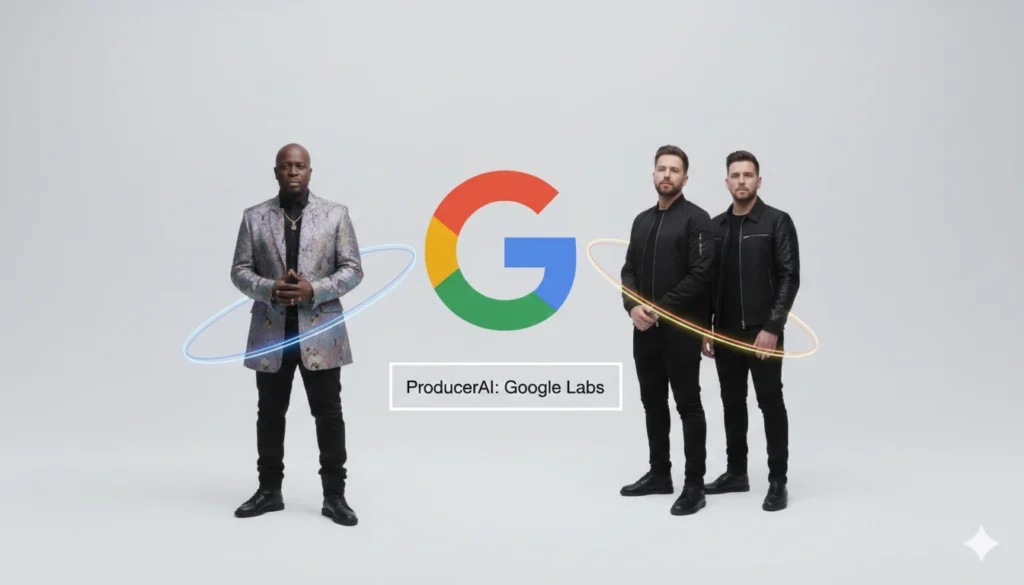
While Suno is a powerhouse, the market is crowded. For instance, high-profile artists are also jumping into the AI space. You should check out this analysis on Google Labs ProducerAI with Wyclef Jean and The Chainsmokers to see how other tech giants are competing in the ai music space.
| Feature | Suno AI (Free) | Suno AI (Pro/Premier) |
| Daily Credits | 50 (Renewed daily) | 2,500+ (Monthly) |
| Commercial Use | No | Yes (Full Ownership) |
| Simultaneous Jobs | 2 | 10 |
| Priority Support | No | Yes |
Step-by-Step: How to Start Creating
Ready to start? I’ve found that the best way to learn is by doing. You can create your Suno account here to get started with your first set of credits.
- Enter Custom Mode: Avoid the “Simple” box if you want specific lyrics.
- Paste your Lyrics: Or let the AI write them based on a topic.
- Select Style: Be specific about instruments.
- Generate & Refine: Use the “Extend” button to fix parts you don’t like.
The evolution of these tools is staggering. For more context on where this technology is headed, visit Billboard’s AI Music Trends or The Verge’s Tech Section for daily updates on generative media.
🎁 My Tested Prompts: 3 Genres to Try Right Now
Copy and paste these into the Style of Music box in Custom Mode for guaranteed results:
- Option 1: The Modern Pop Hit:
Modern Synth-Pop, 115 BPM, 80s analog synthesizers, groovy bassline, clean electric guitar riffs, soulful female vocals, ethereal reverb, catchy pop hook, high energy. - Option 2: The Gritty Rock Anthem:
Hard Rock, 140 BPM, distorted electric guitars, heavy double-kick drums, powerful male raspy vocals, stadium rock atmosphere, aggressive energy, melodic chorus. - Option 3: The Chill Study Beat:
Lo-fi Hip Hop, 85 BPM, jazzy Rhodes piano chords, vinyl crackle, dusty boom-bap drums, atmospheric pads, mellow mood, instrumental, late-night vibe.
My Honest Take: Is it a Toy or a Tool?
After hundreds of generations, my perspective has shifted. Suno ai isn’t here to replace the soul of a musician, but it has officially killed the excuse of “not knowing how to produce.”
As a creator, this has become an essential part of my workflow for background tracks and brainstorming melodies. The barrier to entry has vanished. Whether you are a pro musician or someone who can’t sing a single note, this tool gives you a voice.
Don’t miss out on the next big AI update! If you want to stay ahead of the curve and receive the latest SEO tips and AI tools directly on your phone, Join our WhatsApp Channel today. See you there!

Bruno Canhos Vicentin is a technology specialist and AI enthusiast dedicated to uncovering digital solutions that optimize workflows. With a focus on hands-on testing and unbiased reviews, he helps professionals navigate the rapid evolution of Artificial Intelligence through practical guides and in-depth analysis.