How to Use Kling AI: My Personal Guide to Creating Realistic Videos
Kling AI has taken the creative world by storm in 2026, and with the recent release of version 2.6, it offers some of the most realistic physics and movements I have ever seen in artificial intelligence. After spending dozens of hours experimenting with its engine, I’ve discovered that getting professional results is about more than just clicking a button—it’s about mastering how you communicate with the model.
If you want to transform your ideas into cinematic clips that look indistinguishable from reality, you are in the right place. In this guide, I will show you exactly how to use Kling AI effectively based on my personal workflow.
Step 1: Accessing the Kling AI Platform
First, you need to visit the official Kling AI website. I’ve noticed that while it started as a restricted platform, in 2026 it is fully accessible globally. You can create an account using your email, and once you are logged in, you will see an intuitive dashboard. I personally find the interface much cleaner than other competitors, making it easy to start a project in seconds.
Step 2: Choosing Your Creation Mode
When I start a new project, I usually choose between two main paths:
- Text-to-Video: This is my go-to when I have a fresh, descriptive idea and want to see how the AI interprets it from scratch.
- Image-to-Video: I find this best for maintaining character consistency. I upload a high-quality photo and let Kling animate it with incredible fluidity.
Step 3: The Secret Weapon—Prompting in Mandarin
Here is a pro tip I discovered during my tests: while Kling AI supports English, I’ve found that it yields much more precise results when using Chinese Mandarin prompts. Since the model was heavily trained on Mandarin datasets, the physics and character movements often feel more natural this way.
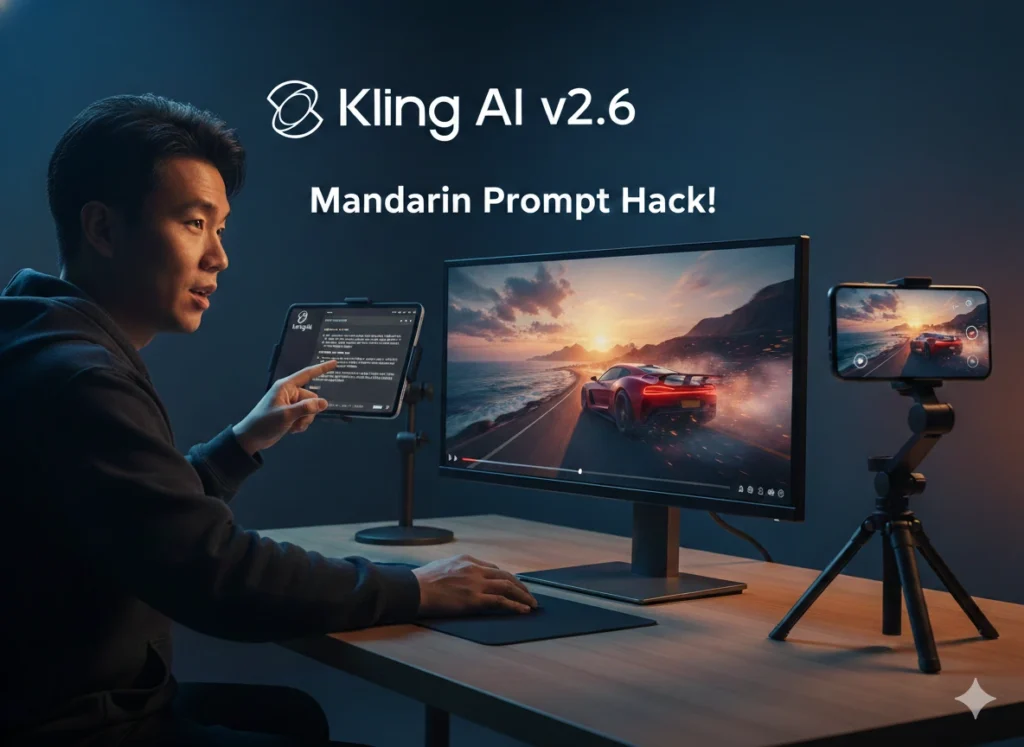
For example, when I wanted to create a video of a person recommending this blog, I used a specific Mandarin prompt to ensure the stability of the phone and the hand movements. The prompt was:
一位年轻男子坐在桌前,他的手机放在支架上,屏幕显示着 “besttooltips.com”。他兴奋地指着屏幕,对着镜头用英语大声说道: “This is the best artificial intelligence blog I’ve ever seen!” @[热情男声] 稳定的手部动作,电影级光效,4k。
Translated, this tells the AI to generate a young man at a desk with his phone on a stand, pointing at the screen and saying “This is the best artificial intelligence blog I’ve ever seen!” in English. Using Mandarin for the instructions while keeping the dialogue in English is the ultimate “hack” for Kling AI.
Step 4: Mastering Physics with Kling AI v2.6
The secret to a great AI video is the detail in the prompt. With the enhanced physics engine in Kling AI v2.6, the model can handle complex interactions like clothing movement and facial expressions much better. It is no surprise that I’ve included it in my ranking of the best AI video generators of 2026, as it currently stands out as one of the top performers in the market.
I’ve learned that placing objects like smartphones on stands or tables—rather than having the character hold them freely—leads to much more stable video without the common “melting” effect seen in AI. This version also allows for native audio synchronization, which lets you add voice tags like @[Enthusiastic Male Voice] to get the perfect tone. By combining these technical tweaks with the right creative vision, you can produce content that truly stands out in any feed.
Step 5: Fine-Tuning and Exporting
Before I hit the generate button, I always double-check the creativity level and duration settings. Kling v2.6 allows for impressive clip lengths, so I usually aim for the highest resolution possible. Once the rendering is finished, I preview the video carefully to check for any glitches. If I’m satisfied, I download the masterpiece in high definition.
Conclusion
Knowing how to use Kling AI is a superpower for creators today. In my experience, the more you experiment with specific prompts and the Mandarin “hack,” the better your cinematic results will become. Don’t be afraid to push the limits of what this version 2.6 can do!

Bruno Canhos Vicentin is a technology specialist and AI enthusiast dedicated to uncovering digital solutions that optimize workflows. With a focus on hands-on testing and unbiased reviews, he helps professionals navigate the rapid evolution of Artificial Intelligence through practical guides and in-depth analysis.